

Introduction
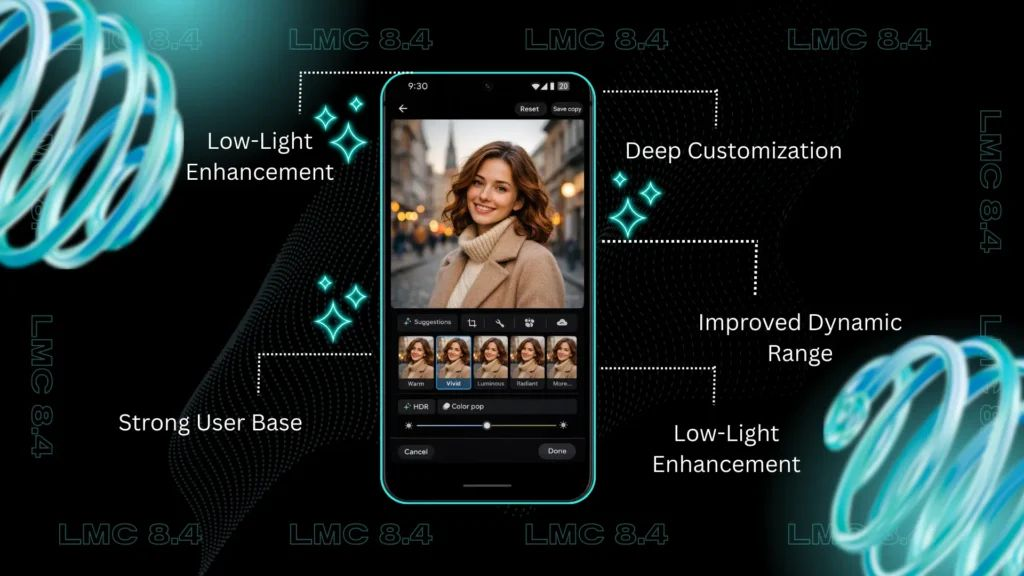
Photography has become an essential part of everyday smartphone use, from capturing memorable moments to creating content for social media. While most Android phones include a built-in camera app, it may not always deliver the best image quality. The LMC 8.4 version is a popular Google Camera (GCam) mod that helps users take advantage of advanced photography features and Google’s powerful image-processing technology.
Designed for a wide range of Android devices, the LMC 8.4 version improves photo clarity, enhances colors, reduces image noise, and delivers excellent results in low-light conditions. Whether you’re an everyday user or someone who enjoys mobile photography as a hobby, this app can help you capture more impressive photos and videos.
This article explains everything you need to know about the LMC 8.4 version, including its features, benefits, supported devices, installation steps, and practical tips for achieving the best results.
What Is LMC 8.4 Version?
The LMC 8.4 version is a modified Google Camera application created for Android smartphones. It brings Google’s computational photography features to compatible devices, allowing users to achieve better image quality than many stock camera apps provide.
Unlike traditional camera applications, the LMC 8.4 version intelligently combines multiple exposures into one optimized image. This process improves sharpness, enhances dynamic range, and produces more natural-looking colors while minimizing digital noise.
As a result, users can enjoy premium photography features even on mid-range Android smartphones.
Key Features of LMC 8.4 Version
HDR+ Enhanced
HDR+ Enhanced automatically balances bright and dark areas within a photo. It captures multiple exposures and merges them into a single image with improved detail, richer colors, and balanced lighting.
Night Sight
Night Sight helps users capture bright, detailed photos in dim lighting. Instead of relying on flash, the app processes several images together to produce clearer and more natural nighttime photographs.
Portrait Mode
Portrait Mode adds a realistic background blur while keeping the subject in sharp focus. This feature creates professional-looking portraits that are perfect for personal photos and social media.
Astrophotography Mode
With Astrophotography Mode, users can photograph stars and the night sky when using a stable tripod. The app captures long exposures to reveal details that standard camera apps often miss.
Better Video Recording
The LMC 8.4 version also improves video recording by enhancing stabilization, exposure, and overall image quality, resulting in smoother and more visually appealing videos.
XML Configuration Support
XML configuration files allow users to apply optimized camera settings specifically designed for their smartphone model. This improves performance and helps deliver the best possible image quality without manual adjustments.
Benefits of Using LMC 8.4 Version
The LMC 8.4 version offers several advantages that make it a preferred choice among Android users.
Some of its most notable benefits include:
- Superior image quality
- Better low-light performance
- Improved HDR processing
- More accurate color reproduction
- Cleaner portrait photography
- Reduced image noise
- Enhanced selfie quality
- Improved video stabilization
- Support for XML configuration files
- Compatibility with many Android devices
These features work together to create a better photography experience for users of all skill levels.
Compatible Devices
The LMC 8.4 version supports many Android smartphones from well-known brands, including:
- Samsung
- Xiaomi
- Redmi
- Poco
- OnePlus
- Realme
- Vivo
- Oppo
- Motorola
- Asus
- Nokia
Device compatibility may vary depending on hardware specifications and Camera2 API support. Before installing the application, verify that your smartphone meets the necessary requirements.
How to Install LMC 8.4 Version
Installing the application is quick and simple.
- Download the latest compatible APK from a reliable website.
- Enable the option to install applications from unknown sources.
- Open the APK file and complete the installation.
- Launch the app and grant all required permissions.
- Import the recommended XML configuration file if available.
- Restart the application and begin using its camera features.
Following these steps helps ensure optimal performance.
Tips for Getting the Best Results
To improve your photography experience with the LMC 8.4 version, follow these suggestions:
- Keep the application updated.
- Use HDR+ for outdoor photography.
- Switch to Night Sight when shooting in low-light environments.
- Clean the camera lens regularly.
- Install the recommended XML configuration.
- Experiment with different camera settings.
- Keep enough free storage for high-resolution photos and videos.
These simple practices can make a noticeable difference in image quality.
Frequently Asked Questions
Is the LMC 8.4 version free?
Yes. The application is free for compatible Android devices.
Can every Android phone use it?
No. Compatibility depends on your smartphone’s hardware and Camera2 API support.
Is it safe to install?
Yes, provided you download the APK from a trustworthy source.
Why should I use an XML configuration?
An XML configuration automatically applies optimized camera settings, helping you achieve better performance and improved image quality.
Conclusion
The LMC 8.4 version is an excellent camera solution for Android users who want to improve their photography without purchasing a new smartphone. By combining Google’s advanced computational photography with useful features such as HDR+ Enhanced, Night Sight, Portrait Mode, Astrophotography, and XML configuration support, it delivers outstanding photo and video quality across many compatible devices.
If your smartphone supports Camera2 API, installing the LMC 8.4 version can significantly enhance your camera performance. Always download the latest version from a trusted source, use the correct XML configuration for your device, and keep the app updated for the best results. With its impressive features and consistent performance, the LMC 8.4 version remains one of the most reliable Google Camera mods available for Android users today.
