

| Tags | mobile photography course, smartphone photography course, iphone photography training, android photography training, smartphone camera skills, mobile photo editing, photography fundamentals, content creation training | |
| Meta Description | Is a mobile photography course different for iPhone and Android users? Understand what changes, what doesn’t, and how to choose the right training. | |
Key Takeaways
- A structured mobile photography course focuses on fundamentals that apply to both iPhone and Android devices.
- A smartphone photography course may adjust demonstrations based on the operating system, but core principles remain the same.
- Differences usually lie in interface navigation, app ecosystem, and file handling rather than photographic theory.
- Advanced modules may include device-specific editing workflows and camera capabilities.
- The quality of instruction matters more than the brand of phone you use.
Introduction
Many learners ask whether a mobile photography course changes depending on whether they use an iPhone or an Android device. The concern is practical. Camera interfaces differ. Editing apps vary. File formats are not identical. However, when you examine how a professional smartphone photography course is structured, the differences are more operational than conceptual. The fundamentals of exposure, composition, lighting and storytelling do not depend on the operating system. What changes is how you access those controls and optimise your workflow.
Learn where the differences matter and where they do not.
Core Photography Principles Do Not Change
Any credible mobile photography course begins with the same foundation: exposure control, understanding light direction, composition techniques, framing, perspective and subject emphasis. Whether a participant uses an iPhone or Android device, these principles remain constant because they are based on visual science, not software design.
For example, the exposure triangle may be simplified in smartphone environments, but learners still need to understand ISO sensitivity, shutter behaviour in computational photography, and dynamic range limitations. Composition techniques such as the rule of thirds, leading lines, symmetry, and negative space are entirely platform-neutral. Lighting principles, including backlighting, diffused light, and harsh midday shadows, apply equally across devices.
A professional smartphone photography course, therefore, spends more time training the eye than navigating menus. Device differences are secondary at this stage.
Interface and Control Differences
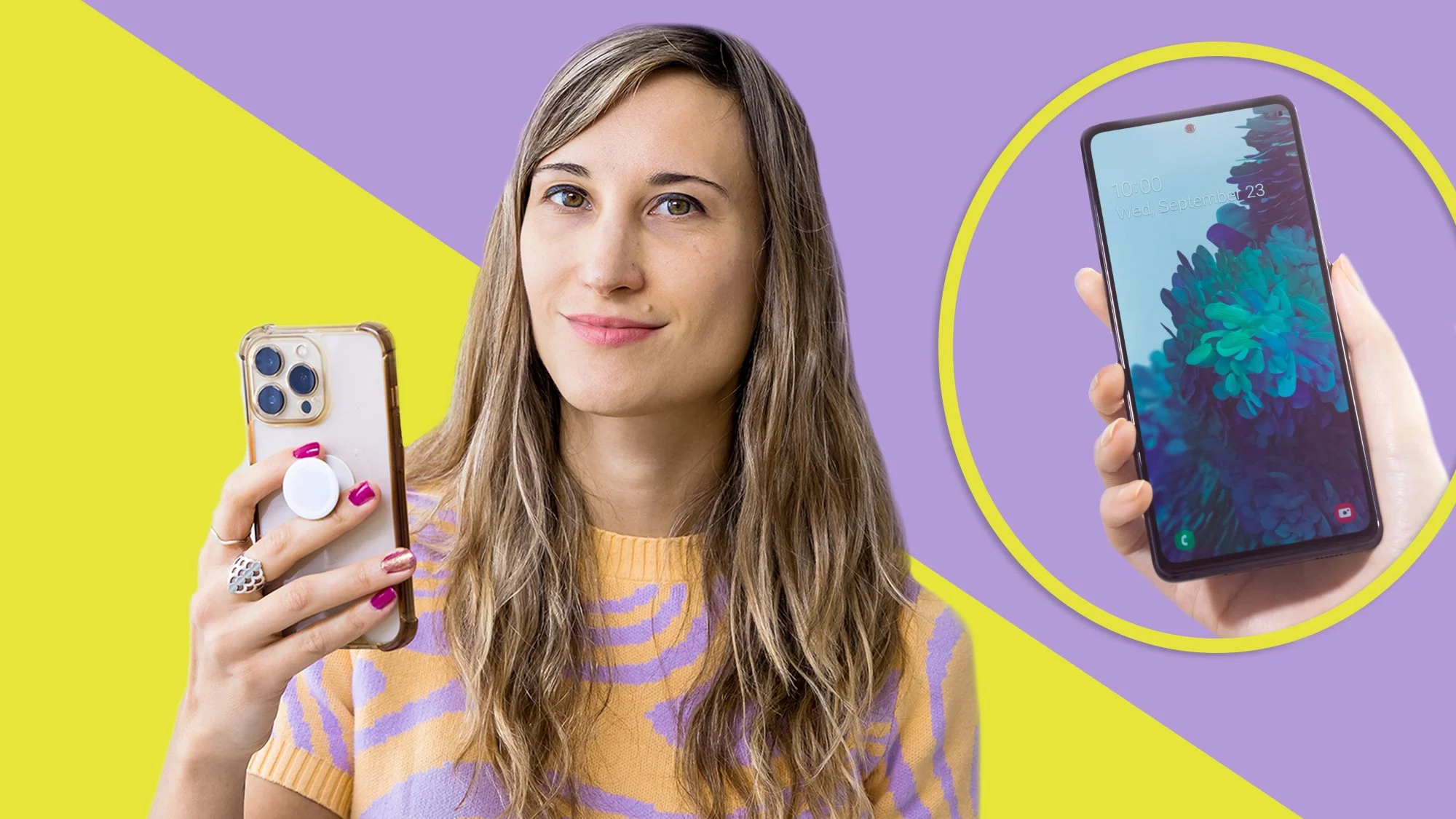
Where variation becomes noticeable is in user interface design and camera control access. iPhone users operate within Apple’s native camera layout, which is streamlined but limits certain manual adjustments unless third-party apps are introduced. Android users often encounter more variation because manufacturers customise camera software extensively.
A structured mobile photography course may demonstrate how to adjust exposure compensation, focus lock, white balance or portrait mode differently depending on device type. Manual or “Pro” mode in some Android models offers more direct control over shutter speed and ISO. On iPhone devices, learners may rely on specific third-party applications to achieve similar control.
This instance does not change the lesson outcome. It changes the path taken to reach that outcome. Good instructors clarify both pathways without fragmenting the class.
Editing Workflow and App Ecosystem
Another area where a smartphone photography course may diverge slightly is post-production workflow. Editing is central to mobile photography because smartphones rely heavily on computational enhancement. However, the app ecosystem differs between operating systems.
Certain editing applications may release features on iOS first. Some Android devices integrate native editing tools with deeper manual flexibility. File formats also vary, with differences in RAW compatibility and storage behaviour. A well-designed mobile photography course will address cross-platform editing apps to maintain consistency, while also acknowledging device-specific strengths.
The learning objective remains identical: colour correction, exposure balancing, sharpening, noise reduction and stylistic grading. The software interface may change, but editing logic does not.
Hardware Capabilities and Computational Photography
Modern smartphones rely heavily on computational photography, including HDR stacking, AI scene detection, portrait depth mapping and night modes. While both iPhone and Android devices employ these technologies, the implementation varies by manufacturer and model.
An advanced smartphone photography course may dedicate time to understanding how different devices process images automatically. For example, colour science and skin tone rendering can differ significantly. Some Android devices emphasise saturation and contrast. Apple devices may prioritise tonal consistency and dynamic range balance.
The goal of training is to help learners recognise how their device interprets scenes and how to compensate when necessary. This knowledge is a refinement layer, not a foundational shift in curriculum.
Classroom Structure and Teaching Approach
From an instructional standpoint, most reputable providers structure a mobile photography course around mixed-device environments. Instructors typically demonstrate universal concepts first, followed by short device-specific clarifications. This approach avoids segregating learners and maintains efficiency.
Trainers in corporate or group settings often request participants to familiarise themselves with their device interface beforehand. This approach ensures class time is spent on technique rather than technical troubleshooting. A smartphone photography course that over-focuses on brand-specific features may limit its relevance and longevity, especially as software updates change layouts frequently.
Professional programmes, therefore, prioritise transferable skills over temporary interface details.
Conclusion
Mobile photography courses are not fundamentally different for iPhone and Android users. The core curriculum remains centred on visual principles, lighting control, composition and editing logic. Differences arise in interface navigation, app selection and hardware processing behaviour, but these are operational details rather than structural changes.
That said, when evaluating a mobile photography course, the critical factor is not device compatibility but instructional quality. A strong programme equips learners with adaptable skills that transcend operating systems. Devices evolve quickly. Visual fundamentals do not.
Visit OOm Institute and learn how to maximise your iPhone or Android camera with structured techniques that actually work.
