

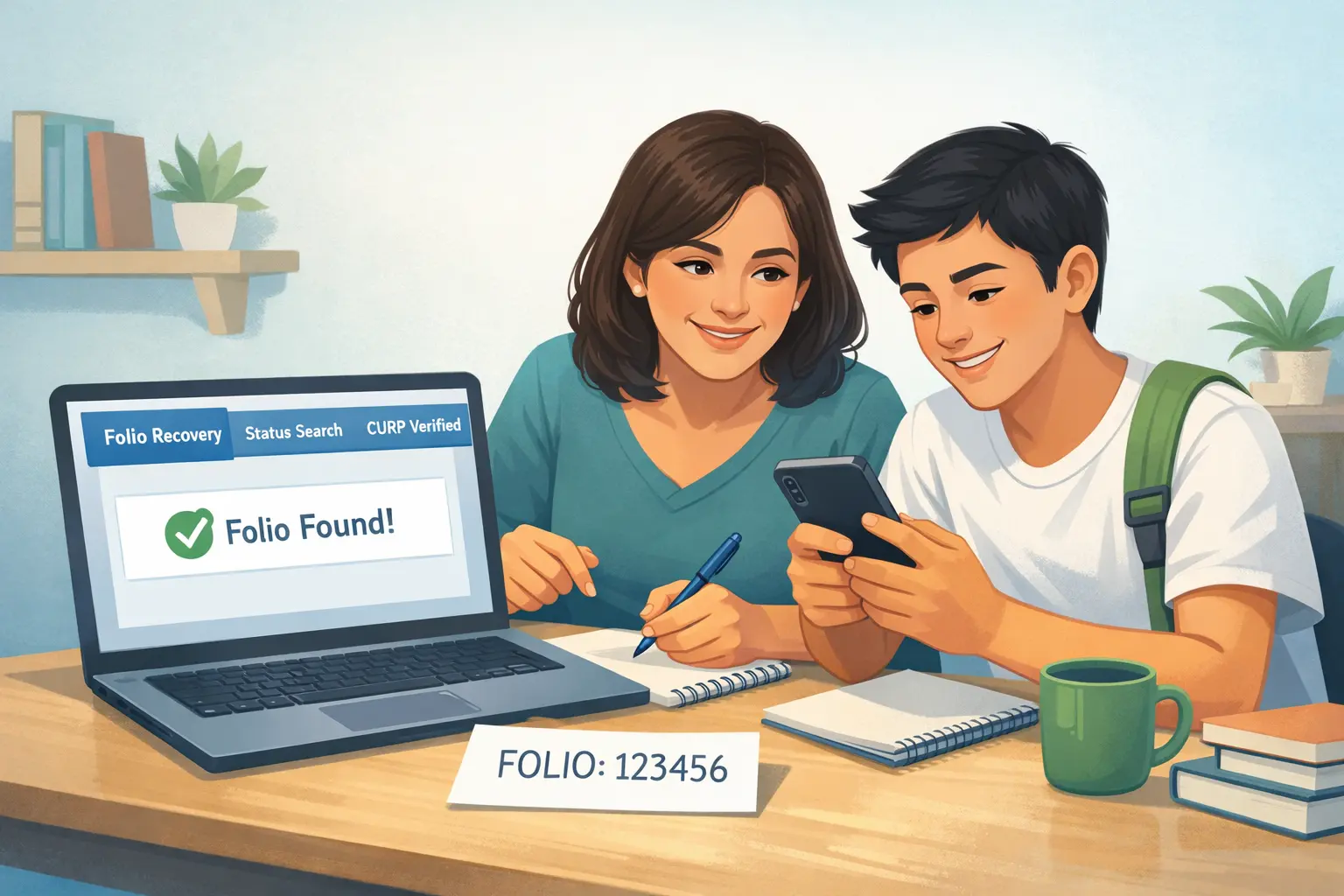
I know how stressful it is to lose your registration folio: you need it to prove that you enrolled and to file claims. If you are in that situation, follow simple and practical steps to recover your folio quickly and without stress. First, check the general guide at Consultar estatus de becas Benito Juárez.
In this article I explain what the folio is, why it matters, and all the safe ways to recover it, step by step. If you prefer to go directly to the specific recovery procedure, check this dedicated page: Recuperar folio Beca Rita Cetina
What Is the Folio in Beca Rita Cetina and Why It Matters
The folio is the unique receipt generated by the system when you complete your registration. It works as:
- Proof that you completed the process.
- Reference for support and the school.
- Identifier that speeds up searches and appeals.
Without the folio, the traceability of the process becomes complicated; but not all is lost: your CURP and the school confirmation can also be used to locate the registration.
If you lost your Beca Rita Cetina folio, you can recover it using your CURP in the official status search tool, through your Llave MX account, or by requesting it from your school. Do not create a new registration. Your existing record can be located safely with these methods.
Fastest Ways to Recover Your Lost Folio
Follow these options in order (fast → more formal):
| Method | What You Need | Speed |
|---|---|---|
| School support | CURP, full name | Fast |
| Llave MX account | Email/username | Fast |
| CURP status search | Student CURP | Very fast |
| Official module | CURP, school proof | Slower |
How to Recover the Folio Using CURP
- Go to the official search tool and enter the student’s CURP.
- If the record appears, write down the folio or download the PDF receipt.
- If the search shows “Not found,” move to the next step: contact the school.
Tip: write the CURP in uppercase and without spaces.
Recover Folio Through Llave MX Account
- Log in with your Llave MX if your registration was done using that access.
- Look in the history or in the registrations section; there is usually a link to download the receipt.
- If you used another email, check your inbox (including the spam folder) because some systems send an email with the folio.
If the platform does not allow downloads, ask the school to download and give you the document.
What to Do If Your Record Does Not Appear
- Ask the school to confirm whether it sent the information to the CNBBBJ.
- Ask the school to resend or recover the folio from their panel.
- If the school confirms there is no record, use the reopening process or present evidence (proof of enrollment) so that support can generate a manual receipt.
Do not try to create a new registration with the same CURP without checking first: duplicates cause more problems.
Can the School Recover Your Folio?
- Download and save the PDF on your phone and in the cloud (Drive/OneDrive).
- Take a screenshot of the folio and the status.
- Write the folio down on paper and in your email.
- Use a stable personal email (Gmail/Outlook), not a temporary school one.
- If you are a tutor, share the receipt with both parents for security.
FAQs About Lost Folio Beca Rita Cetina
Can I recover the folio if I don’t have Llave MX?
Yes. You can recover the folio with the CURP in the search tool or by requesting it at the school.
Can the school give me the folio printed?
Yes. Ask for a printed copy or PDF; the school can recover it from their panel.
Does losing the folio mean losing the scholarship?
No. Losing the folio does not cancel the scholarship if your registration is in the system. Recover the proof and confirm your status.
How long does recovery through the school take?
It depends: many schools respond within 1–3 business days; during high-demand periods it may take longer.
Should I create a new registration if I can’t find the folio?
No. First investigate with the school; duplicating registrations complicates validation and may cause issues.
Always save your folio in multiple places. If you lose it, follow these official recovery steps instead of creating a new registration. Your scholarship record is still safe in the system.
